
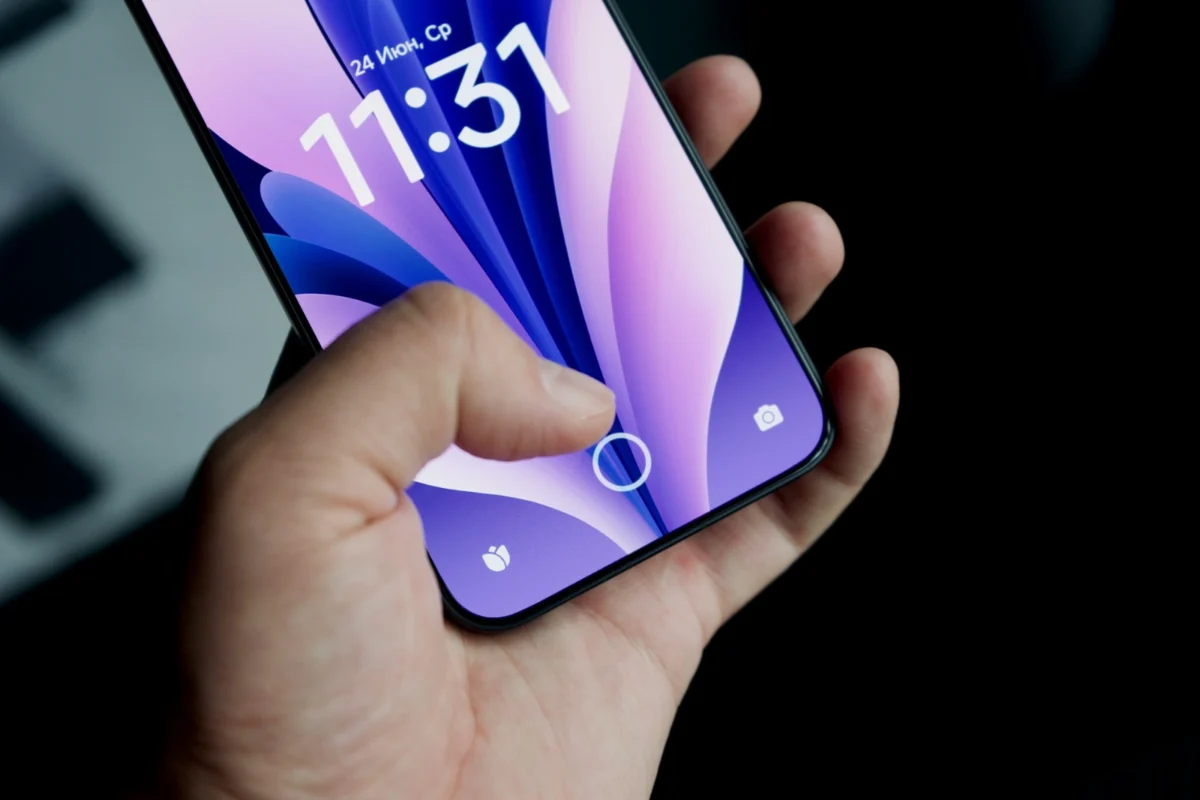
A password is something you remember and type. A passkey is a secret stored on your device, and you unlock it the same way you unlock the device.
Signing in without typing a password
With a password, you type a name and a secret. With a passkey, you approve the sign-in on your device, using biometrics such as a fingerprint, a PIN or a pattern. The FIDO Alliance, the group behind the standard, says you no longer need to enter a username and password.
Under the hood, a passkey is a pair of cryptographic keys. They replace the password.
No password means nothing to steal
FIDO says passkeys are phishing resistant and always strong. It also says there is no shared secret. In its words, there are no passwords to steal.
Passwords can be weak, and phishing tricks people into typing them on fake sites. FIDO says passkeys are built to resist phishing.
Shared across devices, or locked to one
Passkeys come in two kinds. A synced passkey is copied across your own devices. FIDO says this syncing is end-to-end encrypted. A device-bound passkey stays on one device, such as a hardware security key.
FIDO also adds a warning on its own page. It says how you create a passkey matters, and that passkeys synced across devices, or backed by passwords, are vulnerable to theft. It says device-bound passkeys in hardware security keys offer the highest security assurance.
The figures come from FIDO itself
FIDO reports that passkeys give 20% more successful sign-ins than passwords. A 2024 survey it commissioned found that 53% of people had turned on passkeys for at least one account. In a 2025 FIDO survey, 36% of people had at least one account compromised because of passwords.
Keep in mind that FIDO promotes passkeys. These are its own figures, so treat them as claims from a group with an interest in the topic.
Trying a passkey yourself
If a site or app offers a passkey, you can try it there first. You keep using passwords everywhere else for now. FIDO says passkey is a cross-platform term, not a feature tied to one platform.